A Conditional Access policy gets switched off during troubleshooting. The immediate issue gets resolved, but the policy stays off. Unless someone goes back to check, the next time you hear about it might be during an audit.
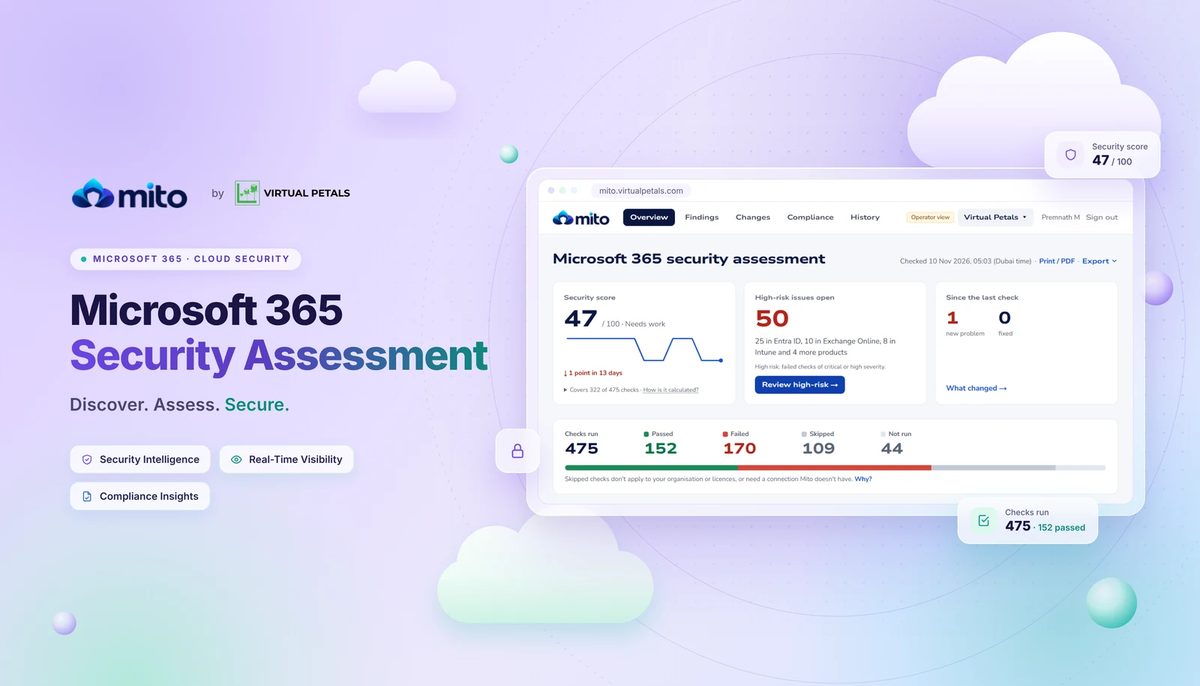
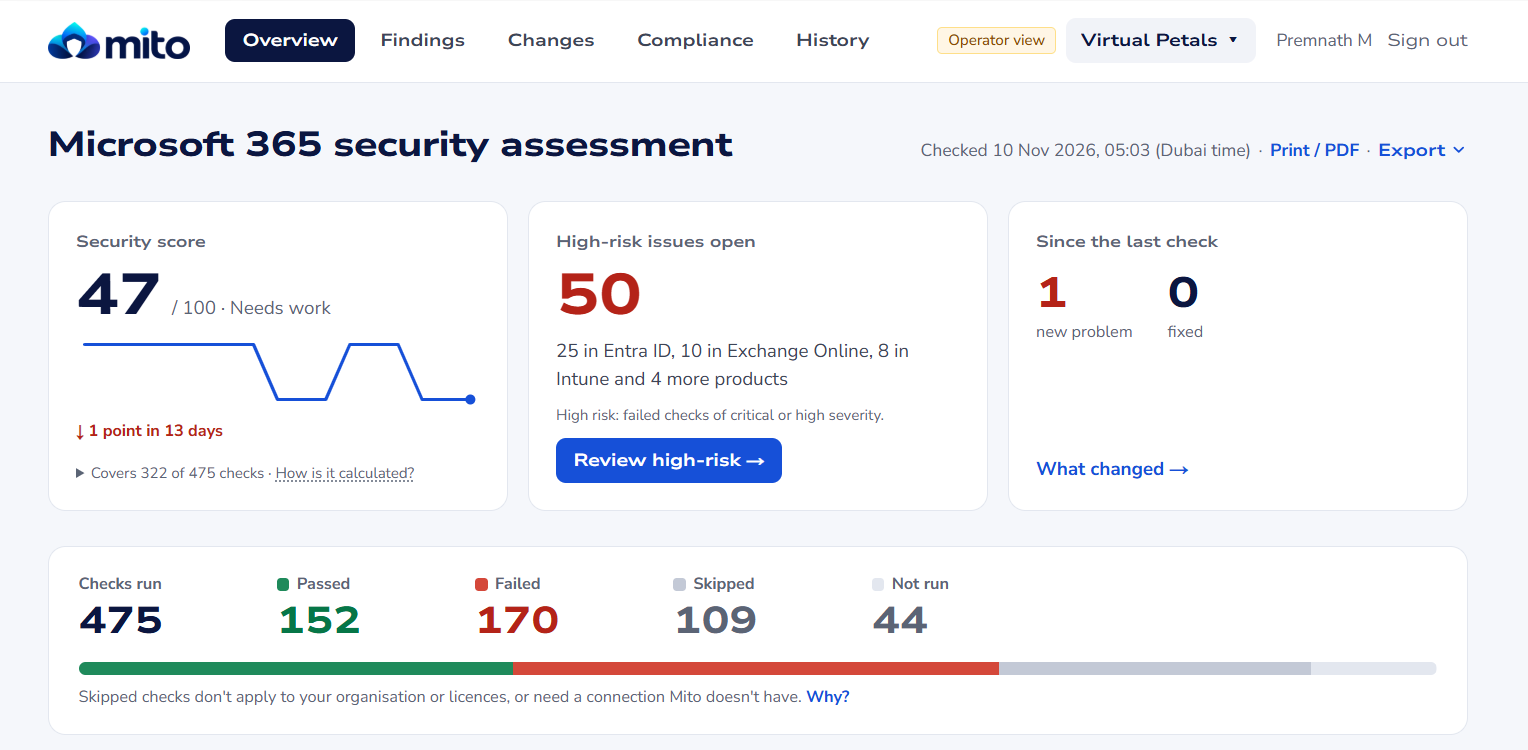
At Virtual Petals, we built Mito for the work that happens between security reviews. Mito runs daily, read-only checks against your Microsoft 365 tenant and shows what failed, what changed since the previous assessment, and where to start fixing it.
Request a guided tenant assessment or explore the Mito demo with sample data.
What does Mito check?
Mito assesses security settings across services such as Microsoft Entra ID and Exchange Online. Which checks apply depends on your tenant’s configuration, licences and granted permissions. The first assessment records a starting point. After that, you can compare results across runs and see which checks started failing or passed after a fix.
If you’ve used our PowerShell guide for finding inactive Entra users, you’ve seen how useful a focused tenant report can be. Mito brings that same idea to recurring security assessments, with a history your team can refer to when a setting changes
What your team gets out of a daily assessment
- Spot new failures sooner. If a covered Conditional Access check starts failing after a policy change, it can appear in the next completed assessment. Your team can investigate while the change is still fresh.
- Decide what to fix first. Severity-ranked findings and remediation guidance help admins turn a long report into a short list of actions. After your team makes a change, a later run can show whether the check now passes.
- Keep a record of progress. Assessment history and exports give IT teams a record they can use in security reviews. MSPs can use the same reports to discuss open findings and completed fixes with clients.
A practical Entra example
Mito check MITO.1024 looks for Hard Deletion Protection on supported users and groups associated with active or eligible Global Administrator and Privileged Role Administrator assignments. When the check flags a gap, your team can review the affected identities, including emergency access accounts where applicable, and decide how to handle them. Microsoft’s protection setting gives administrators seven days after soft deletion to investigate and restore a protected object before it can be permanently deleted. Review the supported objects and permanent enablement behaviour in Microsoft’s Hard Deletion Protection documentation.
Use technical evidence in compliance reviews
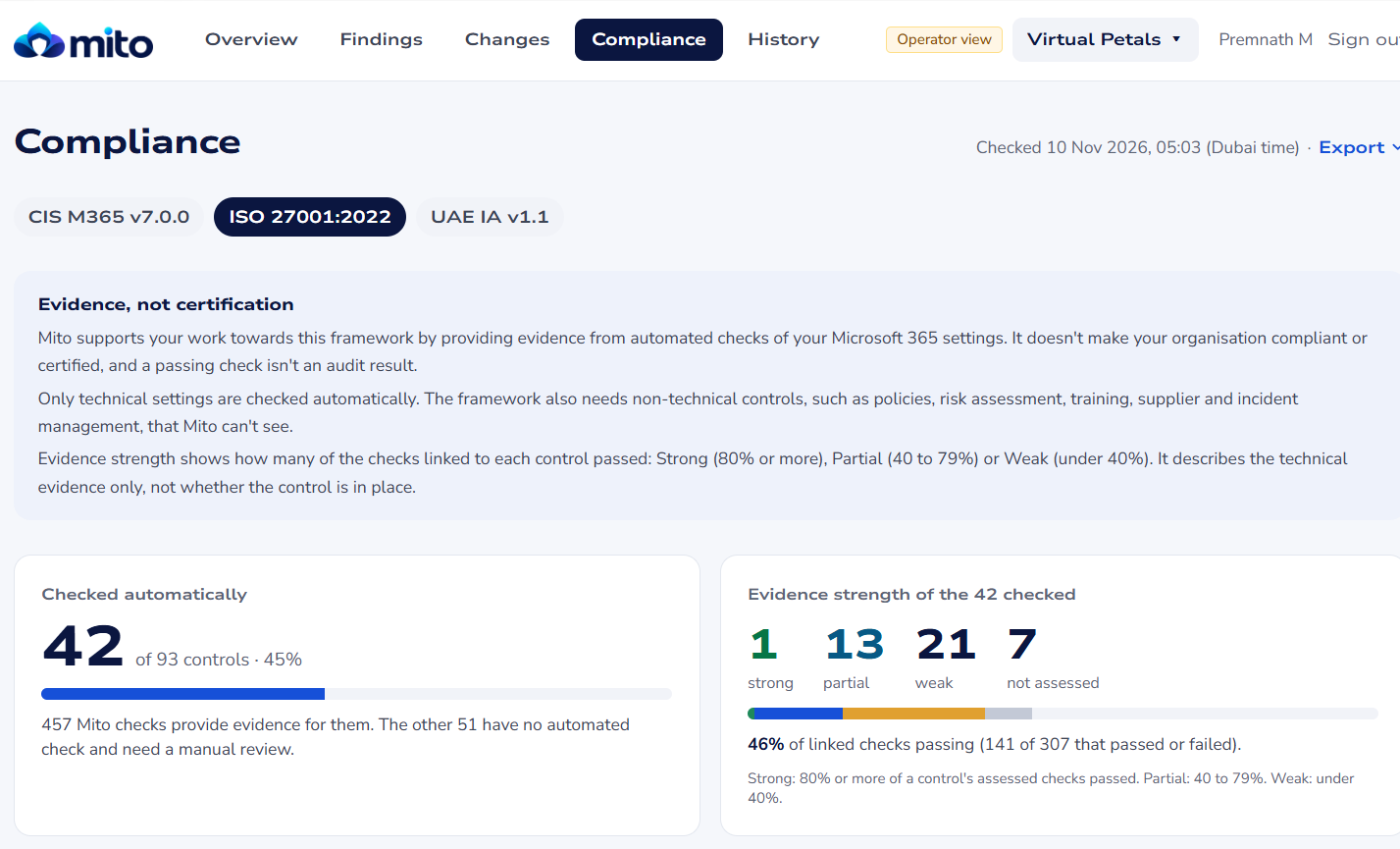
Mito maps applicable check results to CIS Microsoft 365, ISO/IEC 27001:2022 and UAE Information Assurance (UAE IA). The compliance view helps you see where automated checks supply technical evidence and where you still need manual review. Use it to prepare for an audit alongside the policies, records and other evidence your auditor requires.
How does Mito access the tenant?
Your administrator approves a read-only app registration in your Microsoft Entra tenant. Mito uses that access to assess configuration and report findings. Your administrators decide which changes to make and carry them out in the relevant Microsoft admin centre. Virtual Petals hosts Mito in Azure UAE North. See the Mito product page for the setup and access details
See what Mito would check in your tenant
If you manage Microsoft 365 for your organisation or your clients, start with a guided assessment conversation. Share your approximate user count and what you want to review first, whether that’s privileged access, Microsoft 365 configuration changes or technical evidence for an upcoming audit. We’ll walk through a sample report and discuss what Mito can assess in your environment.
Request a guided tenant assessment or view the sample dashboard
Get new Microsoft 365 and Azure guides from Azure365Pro first in Google.